Build in Public Highlight: Timestream and the Sacred Timeline for Git
A founder's look at Timestream, a local-first Git client that turns commit history into a timeline and brings review, SSH, and GitHub workflows into one desktop desk.
Git Keeps the History, But Not Always the Clarity
Git is one of those tools that becomes more powerful as your projects become more complicated.
Branches let ideas move in parallel. Commits preserve decisions. Pull requests create a place for review. Tags and releases give the project a sense of sequence. The model is excellent at recording what happened.
The experience of understanding what happened can be a different story.
When a repository has a few branches and a long trail of commits, the history can start to feel less like a story and more like a filing cabinet. The information is all there, but the shape of the work gets buried between commands, tabs, and separate web surfaces.
That gap matters more than it first appears. Before I change code, I often want to understand how the current state came to be. Which branch is the real line of work? Where did this change split away? Which commit introduced the behavior I am looking at? What is still local, and what has already been shared?
The Idea Behind Timestream
I recently came across Timestream VCS, a local-first Git client with GitHub integration, and the idea that stood out was right there in the name.
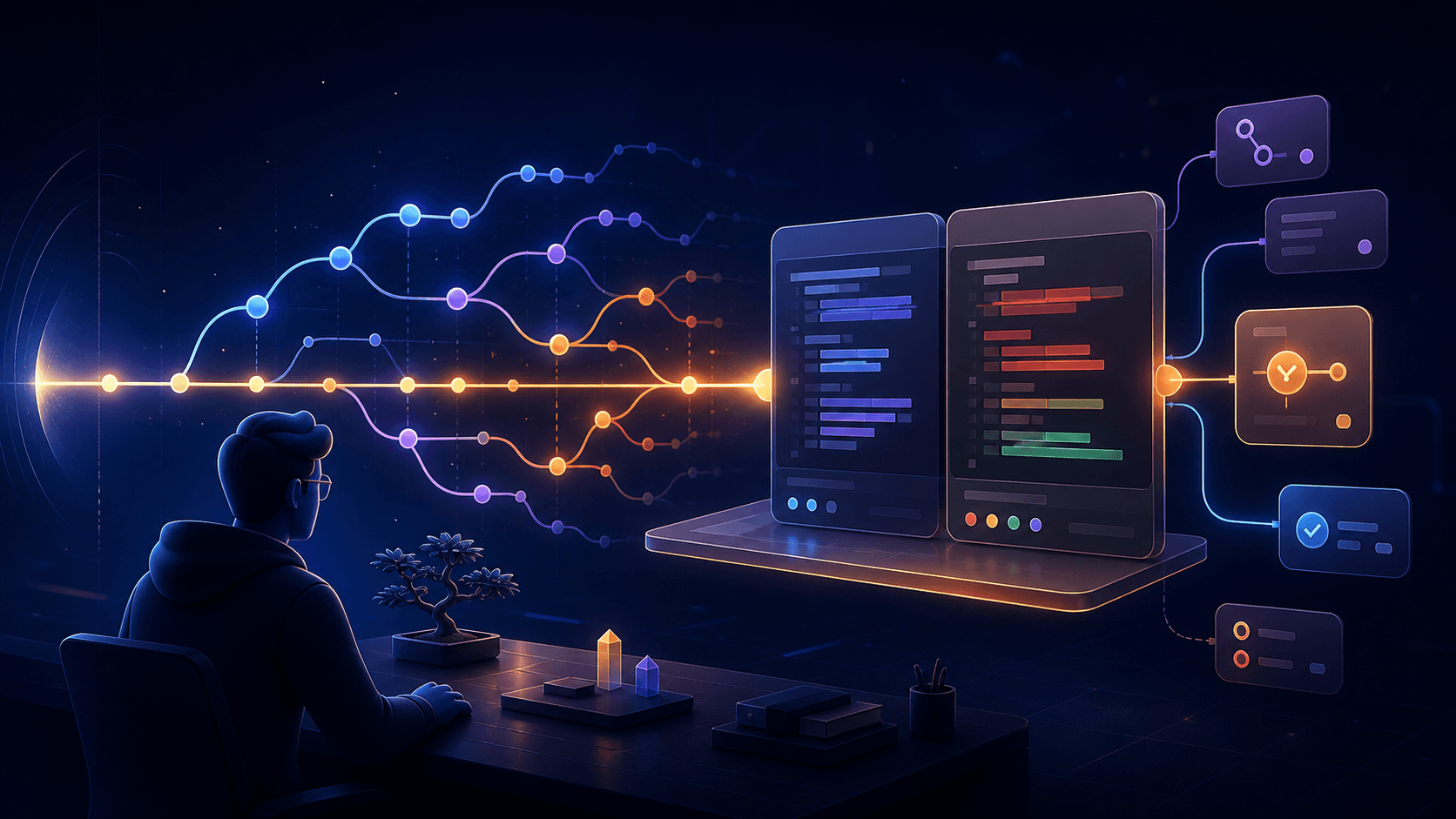
Timestream treats the history of a repository as something you should be able to traverse. Its public site presents the commit graph as a timeline, then places the working tree, diff review, commits, SSH pushes, and GitHub work around that timeline.
That is a different starting point from “here are all the Git commands in a nicer window.” The starting point is the developer's need to orient themselves in time.
I have not used Timestream hands-on, so this is not a performance review. This highlight is based on the public product site and the open-source repository. What interests me is the product decision: make history the primary surface, then let actions follow from the context that history provides.
A Timeline as the Primary Git Surface
Most Git clients are organized around the current state of the repository. You see files, branches, changes, and perhaps a log. Timestream's framing suggests starting one level earlier: show the path that led to the current state.
That could make several everyday questions easier to answer:
- Where am I? The current branch and working tree have a visible place in the larger graph.
- How did I get here? A commit is part of a sequence instead of an isolated row in a log.
- What changed between these points? Review can begin from the history itself.
- Which path should I follow next? Branches become routes through the project rather than names in a dropdown.
The value of a timeline is not that it removes the underlying Git model. It gives that model a visual rhythm. A branch is a path. A merge is a meeting point. A commit is a decision made at a particular moment.
That kind of visual orientation is useful when returning to a project after a few days away. It is also useful when the repository is new to you and the first task is not to edit a file, but to build a mental map.
One Desk for the Working Tree, Review, and GitHub
Timestream's charter is broader than a commit browser. The site describes one desk for the working tree, review, pull requests, issues, releases, tags, and Actions.
That list is important because Git work rarely ends at the local commit.
The working tree is where unfinished thought lives. The diff is where that thought becomes inspectable. The commit is where it gets named. The remote is where it becomes part of a team or a public project. Pull requests, issues, releases, and automation are the surrounding record of what happens next.
The appeal of a unified GitHub workflow is not necessarily fewer clicks. It is fewer context changes. If I am already looking at the history that explains a change, it is natural to inspect the diff, create the commit, push over SSH, or open the pull request from the same place.
This is a pattern I also noticed in my NinjaPipe CRM highlight: the interesting product is often the one that connects the handoffs around a job. For a CRM, those handoffs are lead, conversation, follow-up, and revenue. For a Git client, they are working tree, review, commit, remote, and release.
Review Is a Part of the Story
Diff review is easy to think of as a separate technical step. In practice, it is part of the story of a change.
The diff explains the distance between two points in the timeline. It shows whether the code matches the intention behind the commit, whether a branch contains an accidental detour, and whether a change is ready to be shared.
That makes the review surface more meaningful when it stays connected to the commit graph. A clean diff is not only a green light. It is evidence that this particular point in the history deserves to remain part of the project.
Local-First Is a Product Choice
Timestream describes itself as local-first. That phrase carries more weight in a developer tool than it does in a normal productivity app.
Git already gives developers a durable local repository. A local-first client can respect that relationship by making the local project the center of gravity, while treating GitHub as an integration layer for collaboration and distribution.
The repository's README describes a Tauri 2 desktop application built with React and TypeScript, with Git handled through libgit2 rather than a git subprocess. It also says GitHub tokens and refresh tokens are kept in the operating system keychain when using the GitHub App device flow.
Those details point to a thoughtful boundary: keep the repository and core Git work close to the machine, and make remote access explicit. That can be a strong fit for developers who want their tools to feel like instruments for their local workspace rather than dashboards that happen to include a file tree.
It also raises the right questions for an early product. How much of the GitHub workflow can stay coherent when a repository is offline? Which actions need extra confirmation? How does the interface communicate the difference between a local change, a pushed change, and a change that has entered the review process?
Local-first is not only an implementation detail. It is a promise about where the user's work belongs.
The TVA Style Does Real Product Work
The visual language is impossible to miss. Timestream calls itself TVA-styled, and the site uses a dark archive-desk atmosphere, warm orange and gold signals, and language about timelines, filings, and reconstruction.
That could have been decoration. I think it is doing something more useful.
Git has an abstract vocabulary: HEAD, branches, rebases, remotes, worktrees, refs. A strong visual metaphor gives those concepts a place to live. The timeline becomes an artifact you can inspect. The repository becomes a record with a shape. Even the slightly theatrical tone can make a familiar workflow more memorable.
The risk is that a strong theme becomes a layer the user has to work around. The opportunity is that the theme makes the product feel like a tool with a point of view. If the visual system continues to support orientation, it can make a technical workflow feel more legible without pretending that Git is simpler than it is.
This is close to the lesson I took from Flowsery and the revenue attribution gap: clarity is not created by adding more information. It comes from giving the information a useful shape.
The Questions I Would Watch as It Grows
The concept is clear, but the long-term experience will depend on how the product handles the difficult edges of Git:
- Does the timeline stay readable when a repository has many branches, merges, and long-running experiments?
- Can a new user understand the graph without already knowing Git's internal vocabulary?
- Are destructive actions, especially around history, clearly separated from safe review actions?
- Does the local-first model remain useful when a developer is working offline or across multiple machines?
- Can GitHub features feel native without turning the desktop client into a copy of the GitHub web interface?
- Does the TVA style improve focus during daily work, rather than only making the first impression memorable?
These are not objections to the product. They are the natural tests for an interface built around history. The more repositories vary, the more the client has to prove that its visual model can handle both a clean linear project and a complicated living one.
What I Am Taking From Timestream
What I take from Timestream is the value of making an existing system easier to see.
Git does not need another layer that hides its logic. It needs interfaces that help people understand the logic they are already relying on. That is especially true for indie developers, small teams, and anyone who moves between coding, reviewing, shipping, and maintaining a project without separate people for each part.
It also connects to something I wrote about in the Tasu highlight: useful context becomes more valuable when it is closer to the moment of action. A Git timeline brings repository context closer to the decision to review, commit, push, or open a pull request.
That is a good product instinct. The best time to explain a change is often when someone is deciding what to do with it next.
Final Thoughts
Timestream is an early open-source Git client with a strong premise: make the history of a project feel traversable, then put the work around that history in one desktop desk.
The idea is compelling because it focuses on a real source of friction. Git is excellent at preserving the past, but developers still need help turning that past into an understandable present.
The project is worth watching for that reason. If the timeline stays clear, the GitHub integration stays purposeful, and the local-first foundation remains trustworthy, Timestream could make version control feel less like a collection of commands and more like a place you can orient yourself before you build the next thing.
Resources and Links
- Official site: Timestream VCS
- Source code: Timestream on GitHub
- Latest release: Timestream v0.1.0
- Creator: Koko on X
- Related reading: NinjaPipe CRM highlight, Flowsery highlight, and Tasu highlight
Connect with me
Follow my journey building in public, sharing insights about development, and creating products.